Your MassiveMusic Studio subscription covers you for all social media posts that you and your third party partners create on behalf of your brand(s).
To ensure that you are not subject to content being demonetized or taken down, we require that you add all social channels that you own or control to the Connect page, located within the Studio Portal.
Connect your social media channels
To connect your Facebook, Instagram, and TikTok accounts, begin at the Studio Player Page, then click the Connect button, located on the top leftand side of the screen.
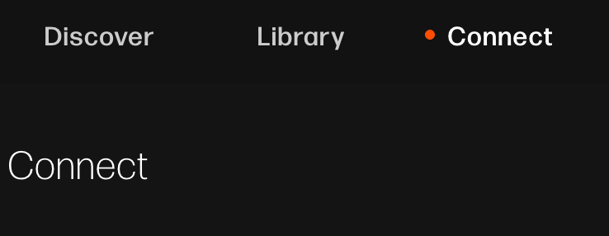
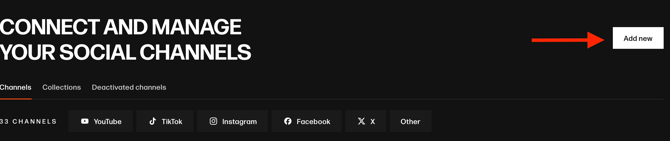
You will then be sent to the Connect page. From there, for each social media account that you would like to connect, you can simply click on the Add new button on the top righthand side of this screen (pictured below).
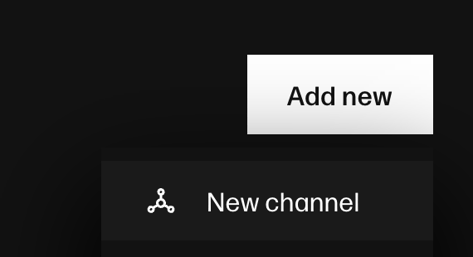
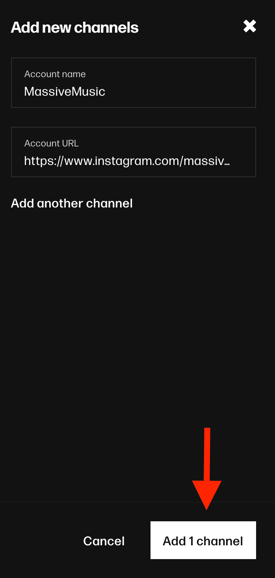
A popup (pictured below) will then appear, select New channel. This will allow you to add a social media account's name and URL.
To add multiple accounts at once, select Add another channel. Once you’ve completed the form, click the Add channel button.
Next, click the Confirm channel button.
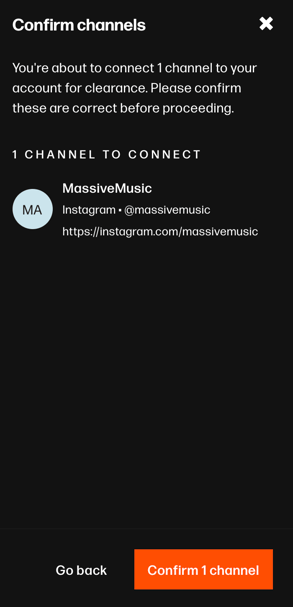
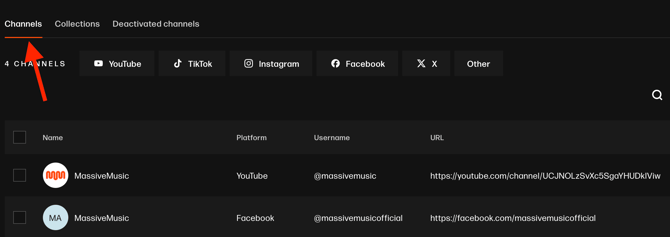
When you’re done, check the Channels page to make sure your account is connected.