
MassiveMusic Studio's search tools allow you to get more specific search results by uploading your music brief(s) directly.
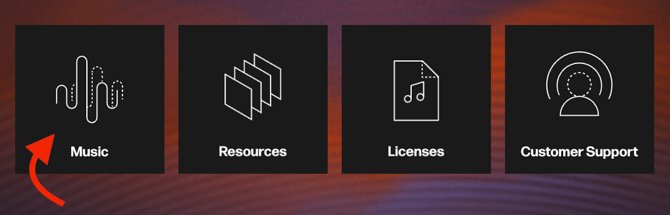
To start uploading music briefs (or other relevant documents) to refine your music search, begin at the Studio homepage, then click on the Music button (pictured below).
Once you're inside the Music module, you will see the option to select Upload a brief on the righthand side of the search bar, represented by a small, white arrow icon.

When you have selected Upload a brief, you will have the option to browse through your files for a brief or document to upload.

Once your document or brief has been uploaded, relevant search filters such as Genre and Mood will be parsed, and then automatically loaded into the search bar (pictured below).

You will have the option to remove these filters, or add additional filters as you see fit. This can be done by clicking the Filters button on the righthand side of the search bar, and then editing your filters to your liking. See our Search by Music Filters section for further instructions on this process.