
Admin users can remove any user from the list of members on a MassiveMusic Studio account.
To remove a user:
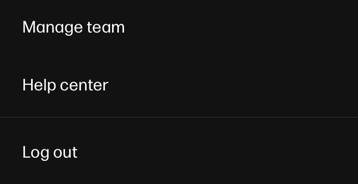
- Click on the circular profile icon (pictured below), located on the top righthand side of the main Studio toolbar, then select Manage Team.
- Upon clicking, you will automatically be sent to the Members tab. Locate the user you want to delete from the list, and click on the "three-dot" menu on the far righthand side of that user's row.
- Click Deactivate member. A popup window will then ask if you're sure you want to permanently delete this user. To complete the deletion process, click the orange Delete member button.
