
You can search the library by pasting a Spotify or YouTube link into the search bar to find similar tracks
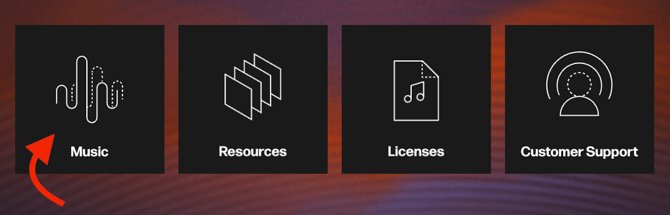
To begin searching by references, log into the MassiveMusic Studio platform. From there, click the Music module, located on the left side (pictured below).
Once you have clicked on the module, you will be taken to the Studio player page. You can search for similar tracks by selecting Reference/URL from the dropdown menu, then pasting your YouTube or Spotify link into the search bar.

Once you've pasted your link into the search bar, press Enter to generate your results.