
MassiveMusic Studio allows you to filter your library to find songs that are predicted to best engage with certain audience demographics, including age, region, and gender.
To begin filtering your library, navigate to the Studio homepage. From there, click on Music, located on the left side (pictured below).
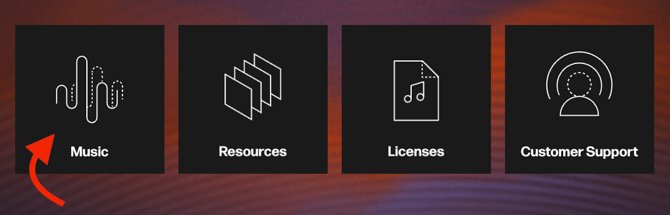
Once you have clicked on the Music button, you will be taken to the Studio Player page.
From the Player page, click the Filter button, located on the far righthand side of the search bar. You can then filter the library based on key audience information, such as age, gender, and region.
To begin using filters to search for tracks based on specific audience information, follow the proceeding steps:
- After clicking the Filter button, click the Show additional filters button located at the bottom of the screen.

- The filters popup (pictured below) will then appear.
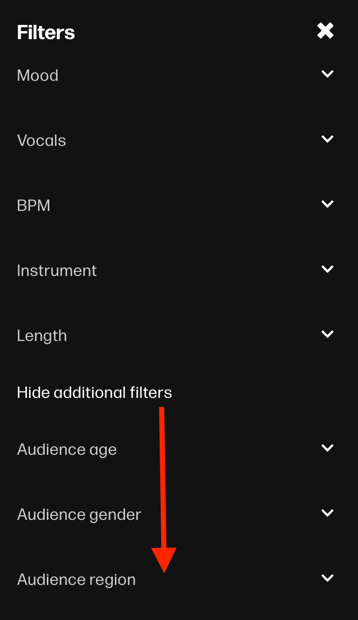
You will then be able to select or deselect from a list of filters, including Genre, Mood, BPM, and Vocals. You can select as many filters as you need to find the exact songs you're looking for. - Once you're satisfied with your selections, your personalized filters will populate search results in real time on the Player page. You can also reset these filters by clicking the Clear button, located on the right-hand side of the search filters.
|
Note: The filters you select in your configuration are only attached to the user account currently in use, and as such won’t change for other users or admins. |