
You can filter your library by using keywords to better locate the exact songs you need for your project.
To begin using keywords, log into the Songtradr Studio platform. From there, click the Music module, located on the left side (pictured below).
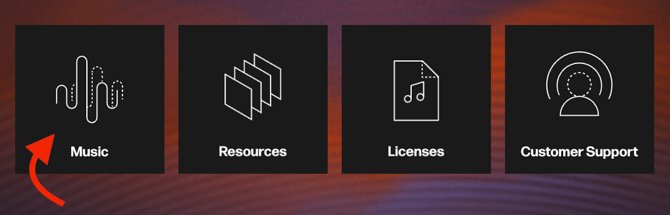
Once you have clicked on the module, you will be taken to the Studio player page. You will then be able to find tracks that can be licensed. Tracks can be found using the advanced search or similar search tools.
From the Player page, you can type keywords into the search bar to better locate the tracks you need.

When you are satisfied with your keywords and have entered them into the search bar, hit Enter to generate your results.