
MassiveMusic Studio allows you to preview how a specific track aligns with your video in real time.
To begin using Video Sync, navigate to the Studio homepage. From there, click on Music, located on the left side (pictured below).
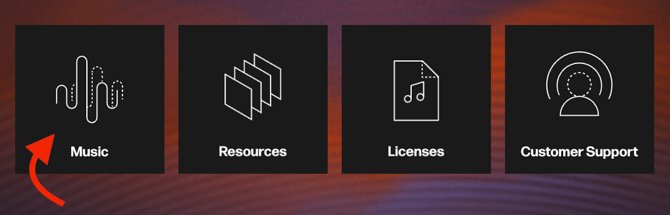
Once you have clicked on the Music button, you will be taken to the Studio Player page.
From the Player page, select a track and click the Video Sync button, located on the right-hand side of the track details section.

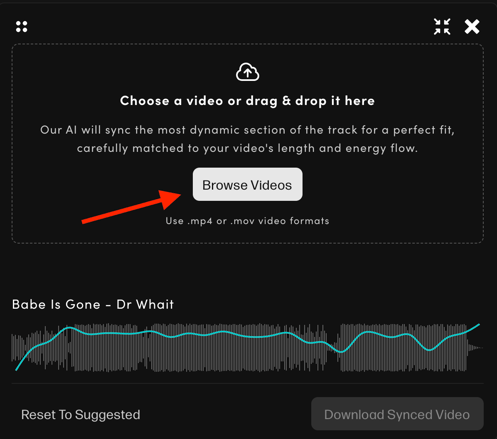
You will then be presented with a pop-up to upload your content (pictured below), which will prompt you to select Browse Videos and search for the video file.
Once you've uploaded your file, you'll be able to use the slider to preview different parts of the track throughout your video.
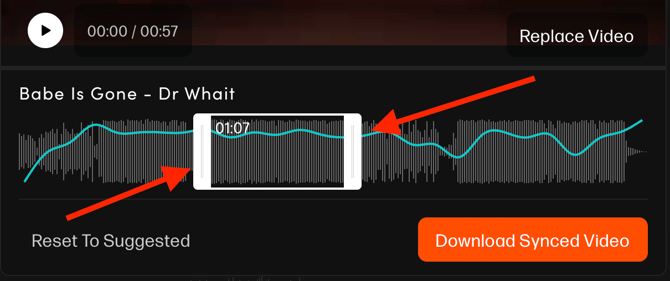
Click the orange Download Synced Video button to save the file directly to your device. The audio will play from the exact point where you last positioned the slider.
