
MassiveMusic Studio allows you to connect your YouTube account to more easily declare music usage and licenses for your videos. To begin doing so, you will need to add the channel in question to your account's whitelist.
Connect your YouTube channel
To connect your YouTube channel(s), begin at the Studio Player Page, then click the Connect button, located on the top leftand side of the screen.
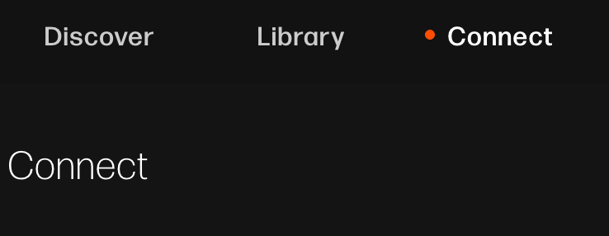
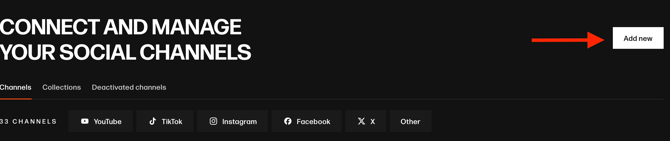
You will then be sent to the Connect page. From there, for each account that you would like to connect, you can simply click on the Add new button on the top righthand side of this screen (pictured below).
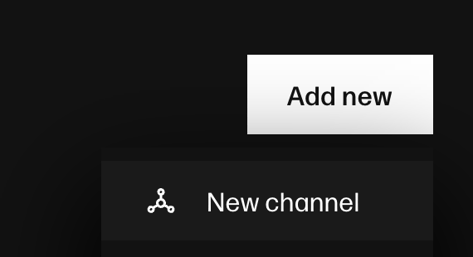
A popup (pictured below) will then appear, select New channel. This will allow you to add a YouTube channel name and URL.
Next, click the Confirm channel button.
Posting Content On YouTube
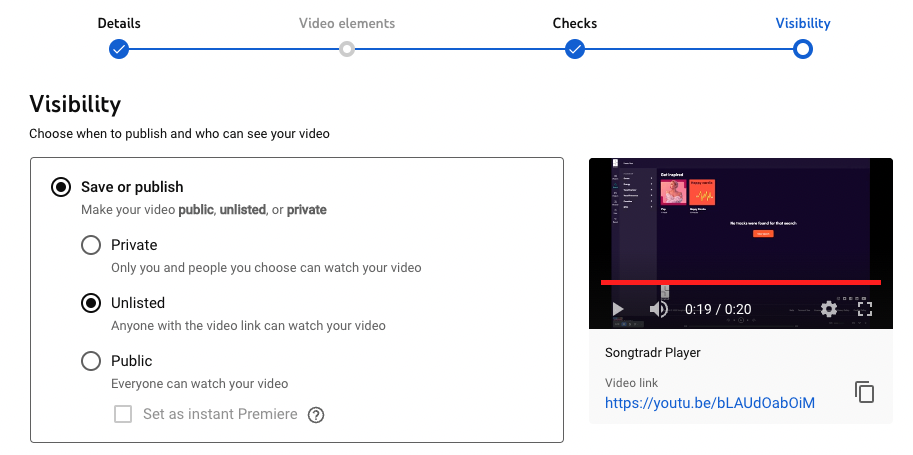
When uploading videos to YouTube, the visibility should initially be set to Unlisted. This will allow you to ensure no copyright claims will be added to the content by MassiveMusic or any third parties.
Once the copyright checks have been passed, you can publish your content.
Third-Party Content on YouTube
Any and all third-party content posted on channels you do not have access to (e.g. paid partnerships with social media content creators posting on their own channels) will also require clearance. In this case, you should notify your account manager of upcoming projects.
Checking for claims on YouTube
Full guidance on YouTube-related claims can be found in YouTube’s support documentation.
If you (or any third-party providers) receive an unexpected claim on your content, please contact your account manager.